 Quessia
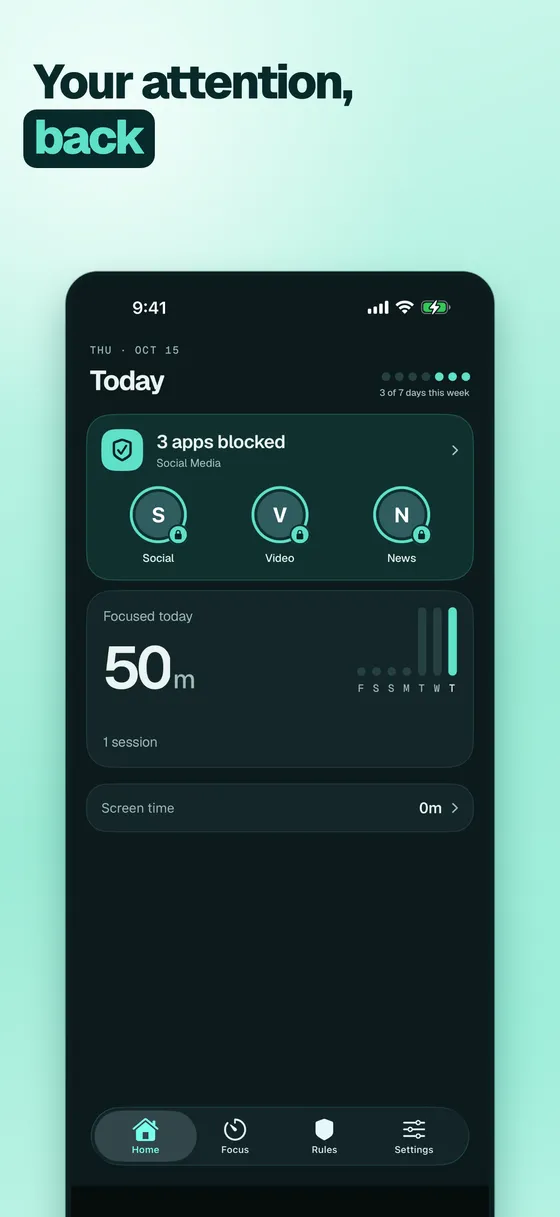
Your attention,
back.
Quessia quietly puts away the apps that pull you off course while you study or work. Calm, private, and never guilt-driven.
 Coming soon on the App Store
Focus that feels calm
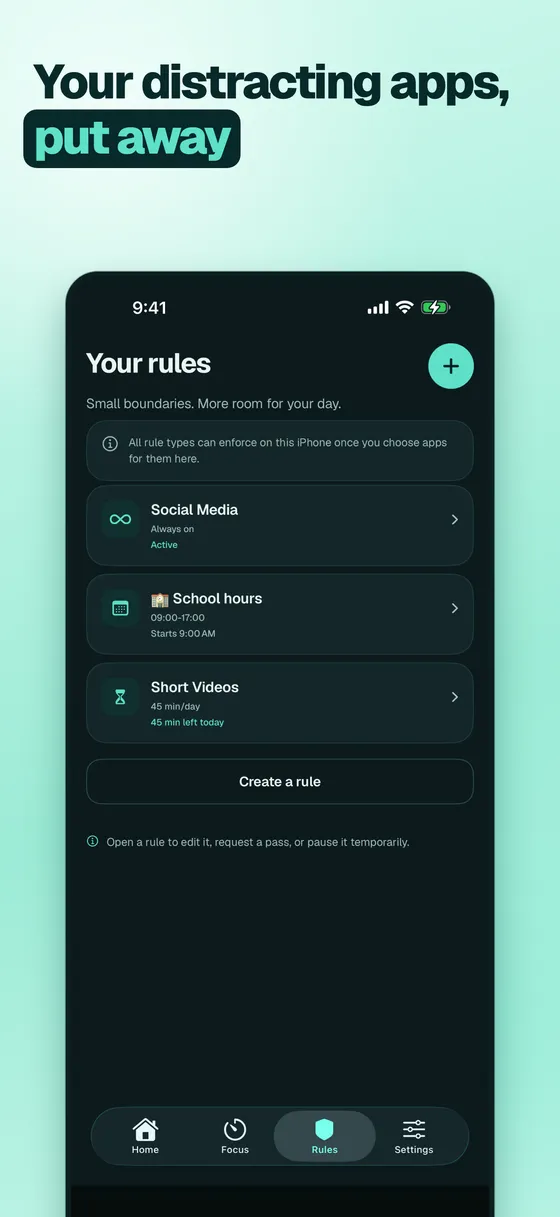
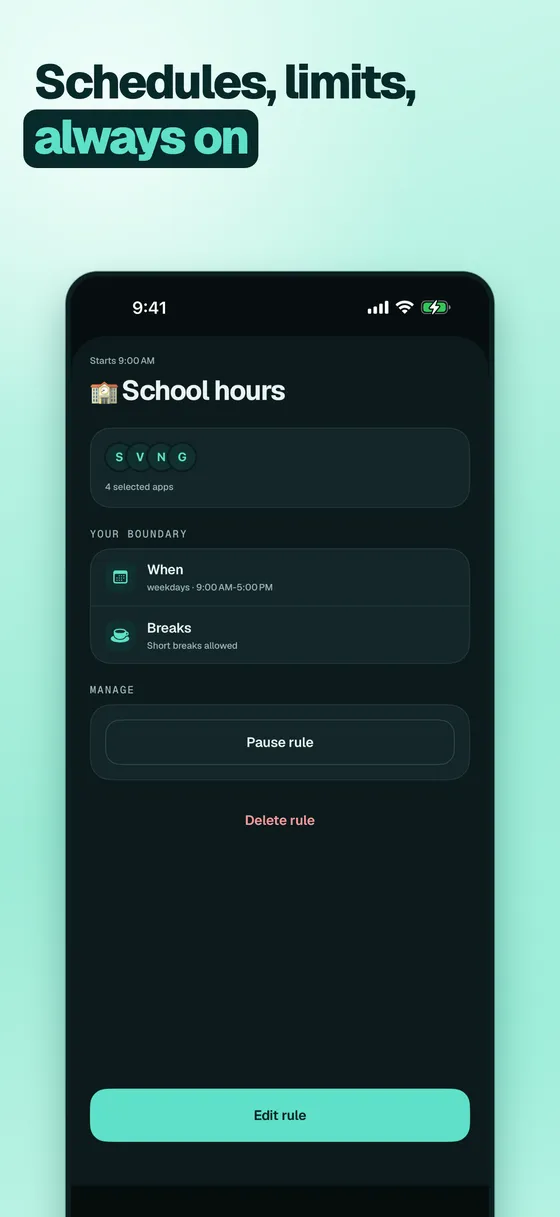
Block on your terms
Shield distracting apps on a schedule, after a daily limit, or always on.
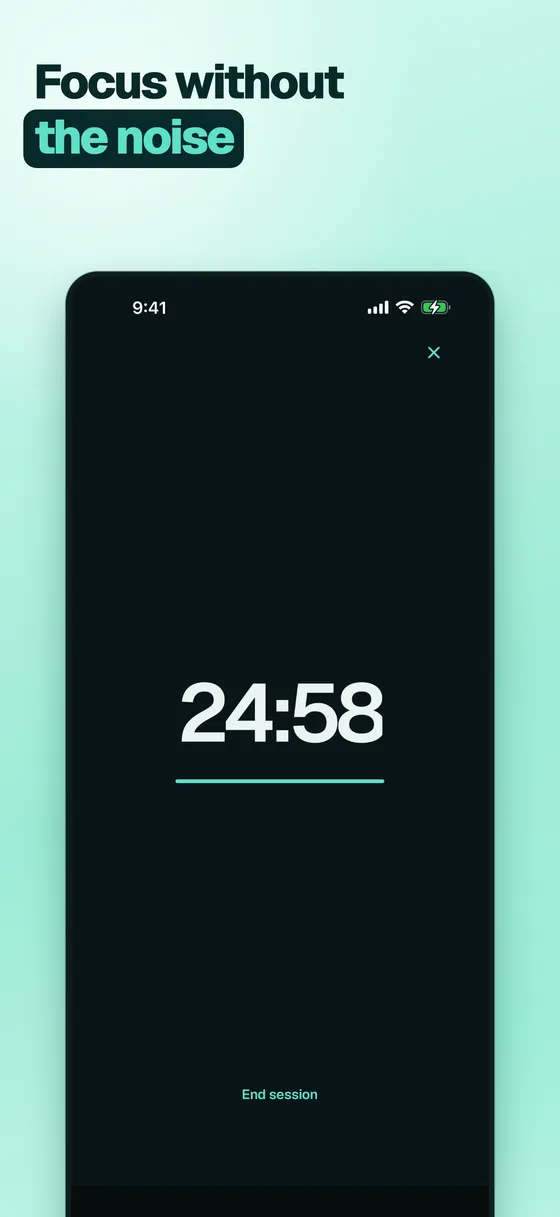
Calm focus sessions
Start a timer, put the noise away, and finish what you sat down to do.
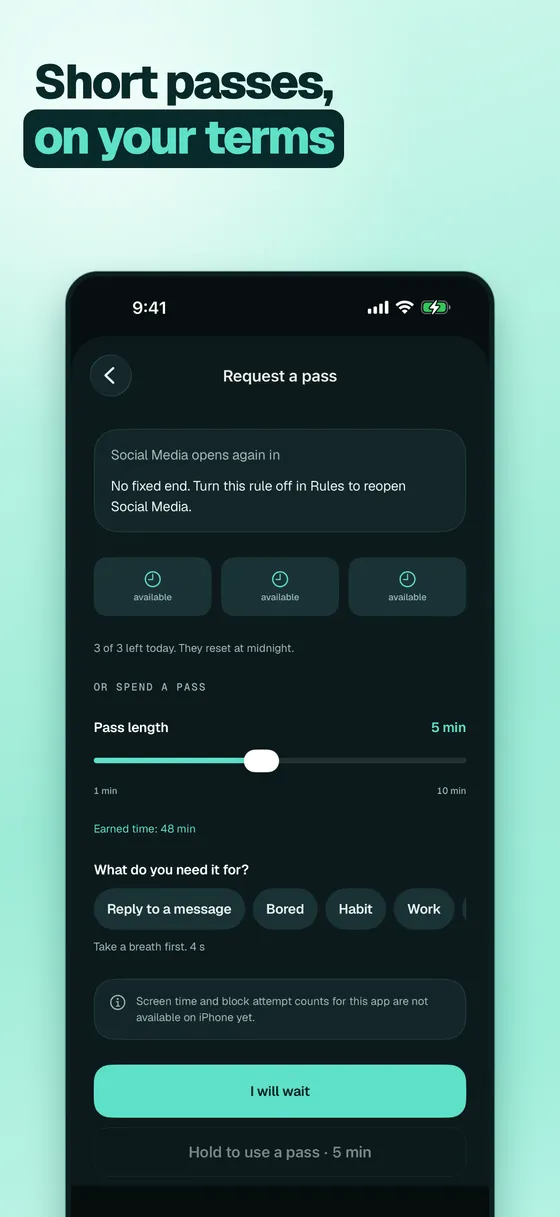
Short passes
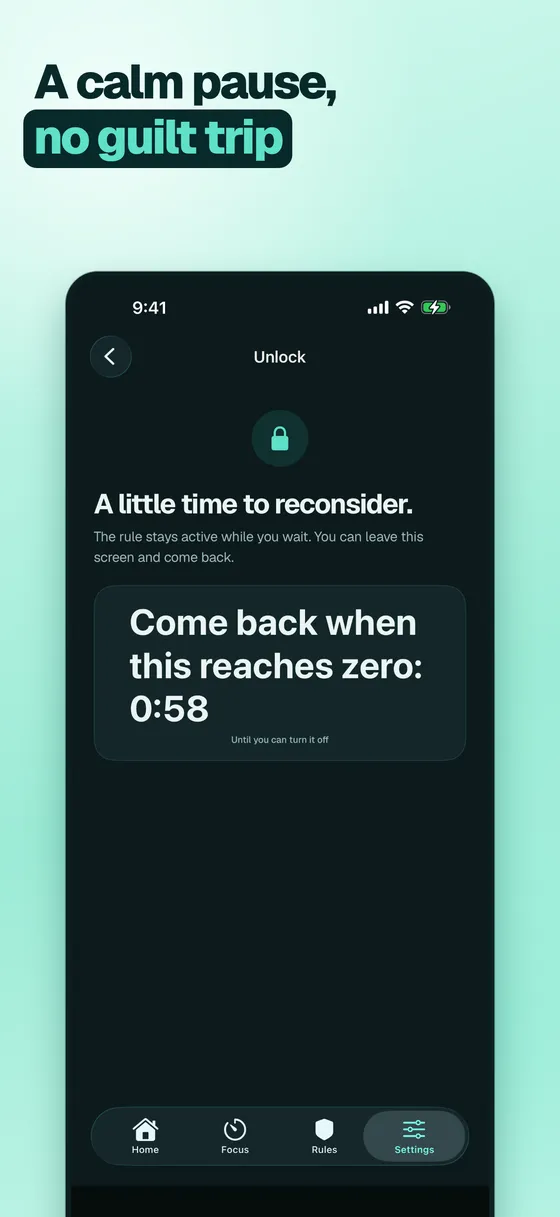
Need an app for a moment? Take a breath, give a reason, and use a short pass.
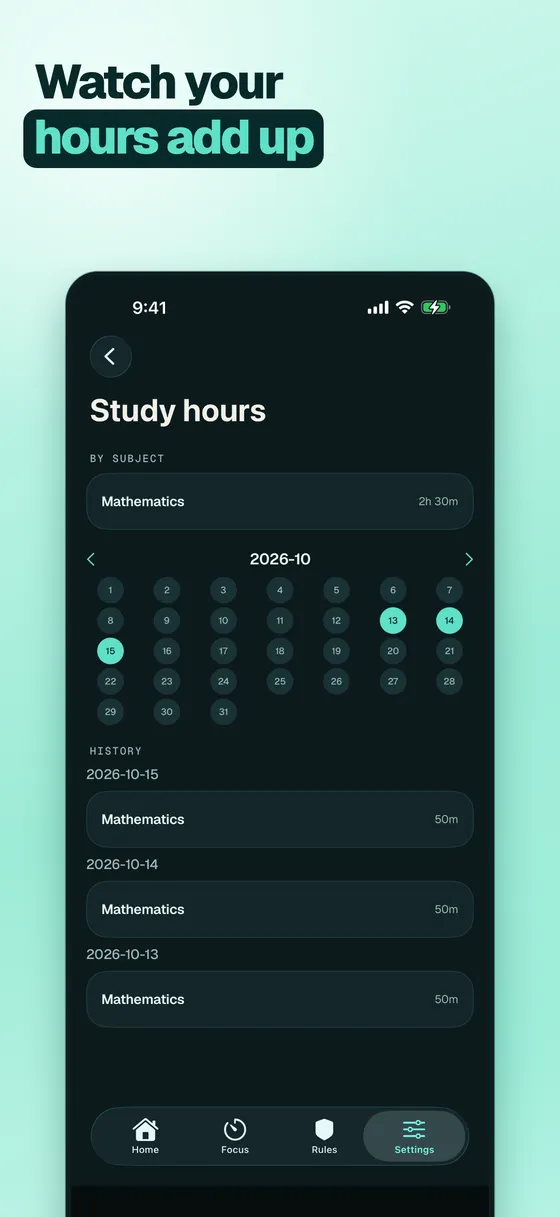
Hours that add up
See your focus time by subject and watch it grow week after week.
No ads, no account
Your rules and sessions stay on your phone. Nothing to sign up for.
A look inside
Questions
How does Quessia block apps?
On iPhone it uses Apple's Screen Time, so you pick apps with Apple's own picker and Apple keeps that list private. On Android it uses an accessibility service that only sees which app is in front, plus an overlay for the calm pause screen. Nothing is sent off your device.
Can I switch it off?
Yes, always. On iPhone, turn it off in Settings, Screen Time. On Android, turn the service off in Settings, Accessibility. Strict mode is a stronger commitment inside the app, not a lock the system lets any app enforce.
How do passes work?
When you open a blocked app you see a calm screen. If your rule allows it, you take a short breathing pause, tap a one-tap reason, and the app opens for the pass length you picked. There is a daily limit, and the app is blocked again when the pass ends. Strict rules offer no passes.
What is Study to unlock?
A Pro option. Every finished focus session earns a few minutes you can spend as a pass on an app a normal rule blocks. A session you stop early earns nothing.
How much does it cost?
Quessia is free to use and has no ads. Optional Quessia Pro adds Study to unlock, focus profiles, partner lock, focus sounds and stats export. Choose monthly, yearly or a one-time lifetime purchase.
Does it collect my data?
No account, no analytics, no ads. Your rules and sessions stay on your phone. See the privacy policy for details.
Get your attention back.
Coming soon on the App Store